Ray tracing in Rust
Wednesday, 14 January 2026 at 4:38 am
I have long been interested in ray tracing. To me, the technology that turns shapes into pixels is magical.
On this blog post you can see some of the images that I generated during my development of a CPU ray tracing engine in Rust.
For those who don’t know what ray tracing is: it’s a technique for rendering objects based on simulating the path of bouncing light. While conceptually simple, there are many details which need to be got right in order to achieve a realistic looking render.
You can find the source code for this project here.
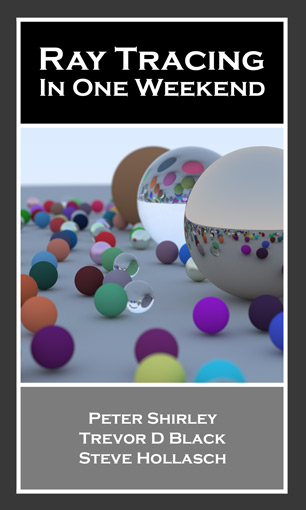
Credit to the incredible book, Ray Tracing in One Weekend, for many of the ideas, equations, and algorithms that I implemented.
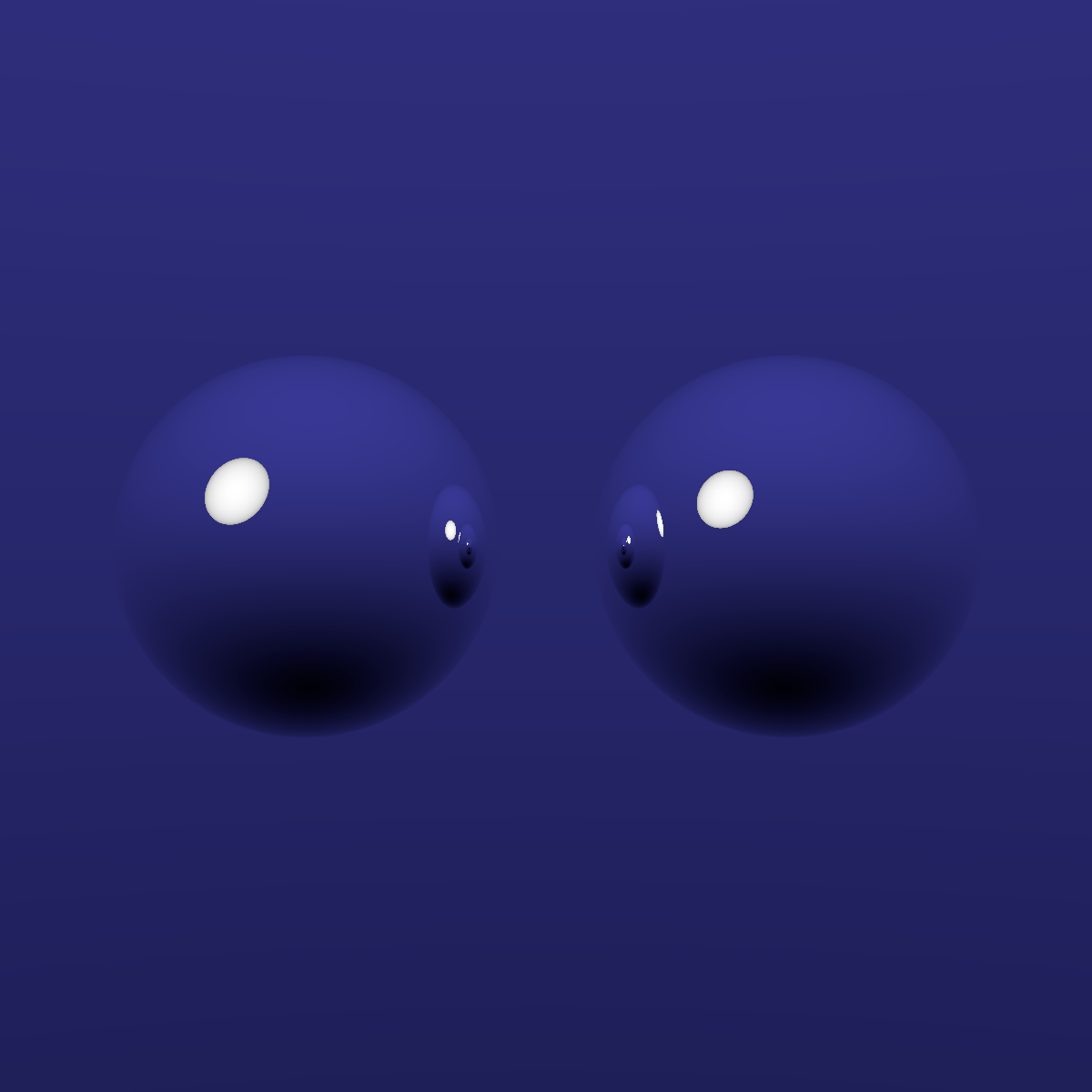
Implementing a simple ray tracer turns out to be quite easy. Perfectly reflective spheres are the simplest way to start. Here three spheres are pictured reflecting off each other.
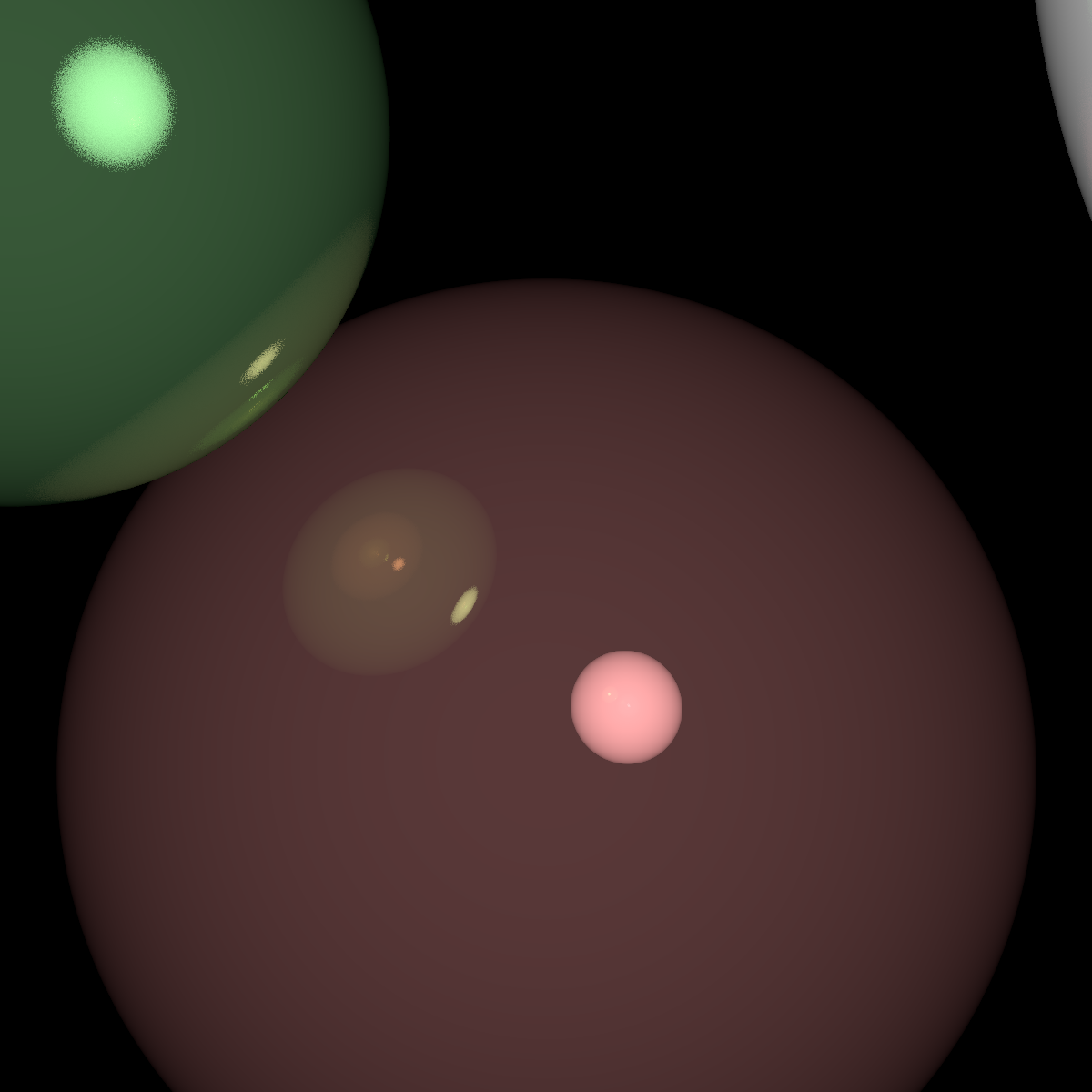
Then you might attempt to add a background colour, and light source.
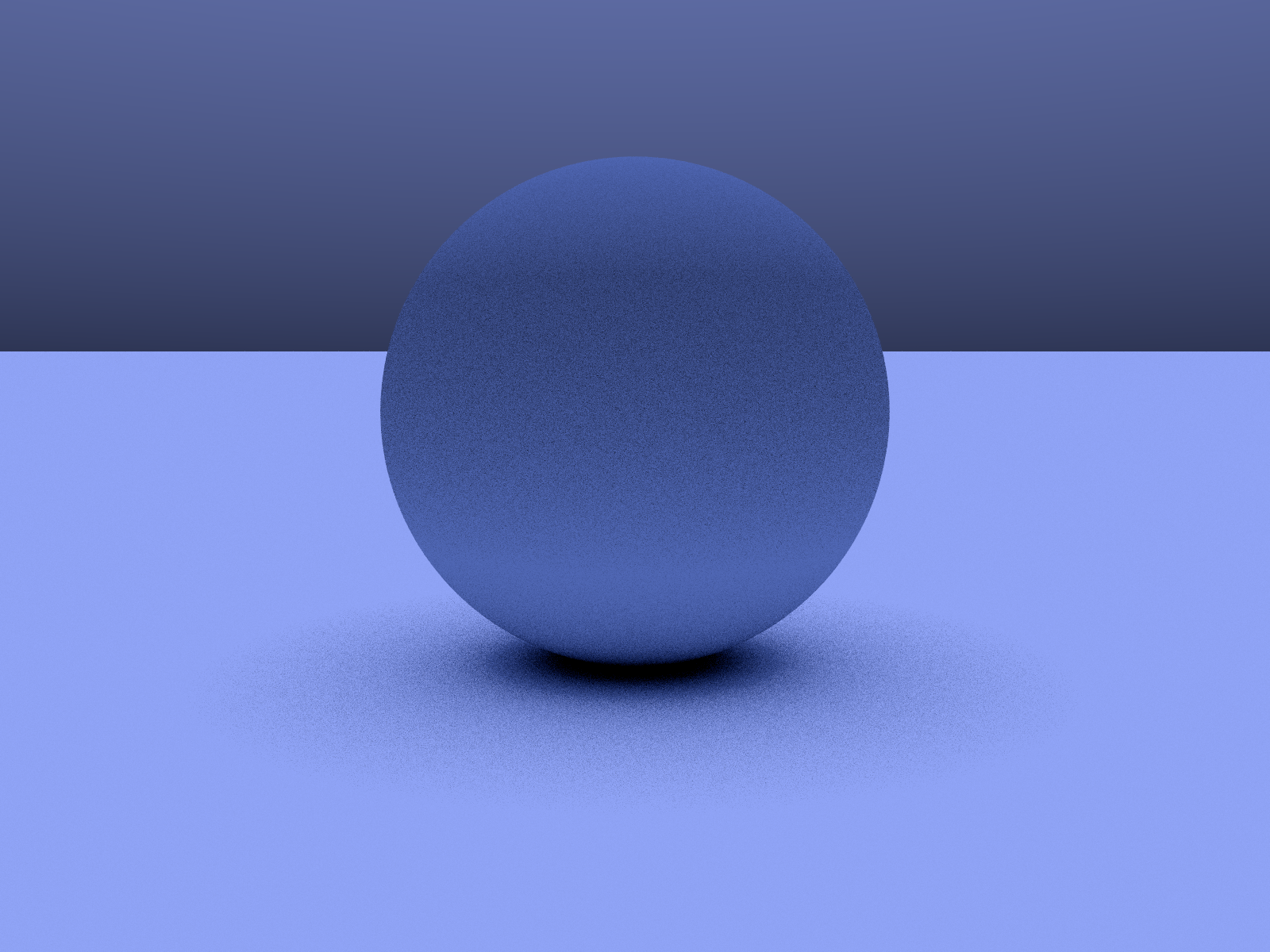
It becomes more difficult when you want things that are not shiny. Here a sphere is pictured with Lambertian Diffusion which I think looks quite “plasticy”.
And below, these spheres are pictured with different strengths of diffusions ranging from 100% on the left to 0% on the right.
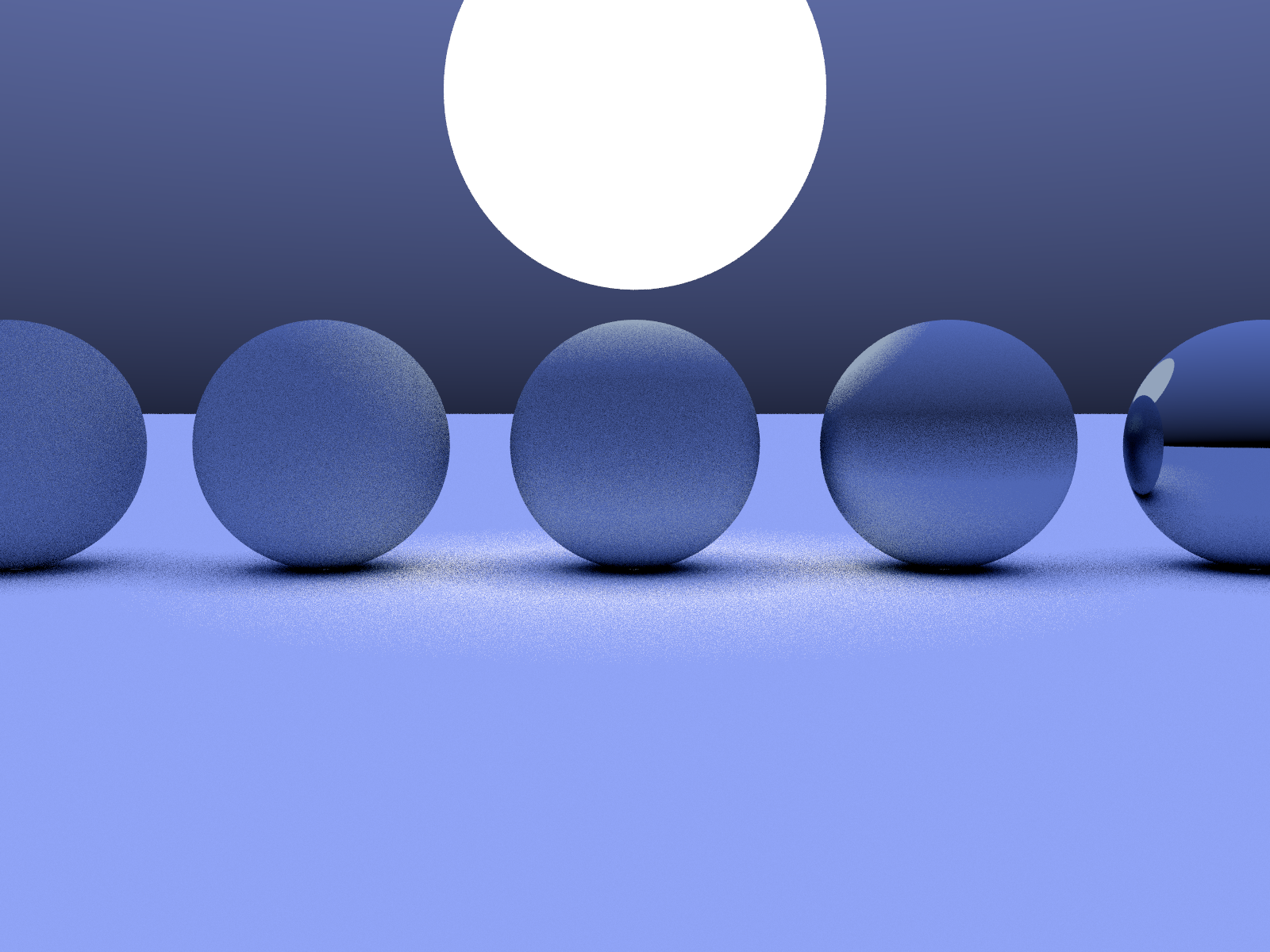
Going back to the metalic looking surfaces, here are five pictured with different roughnesses.
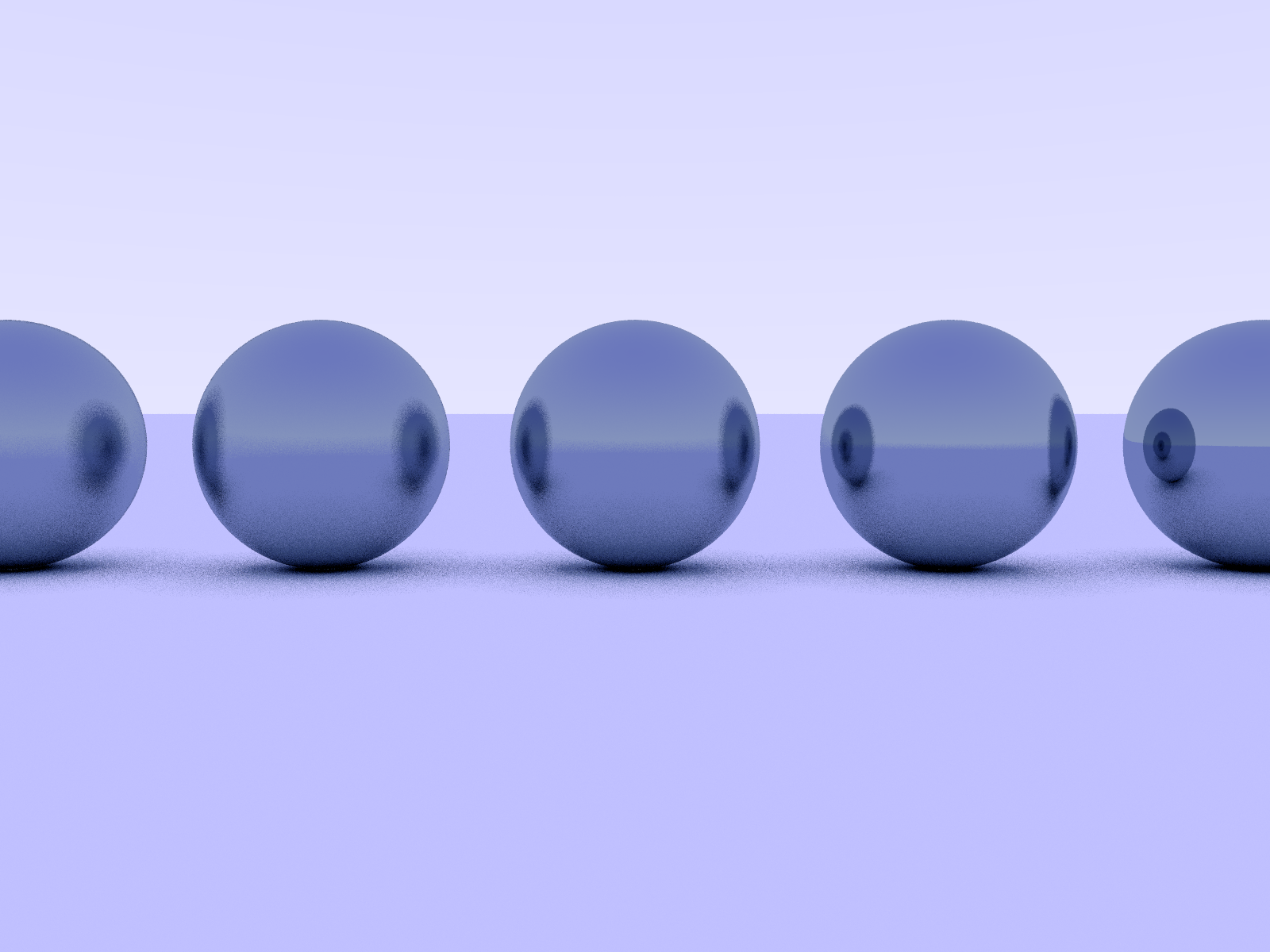
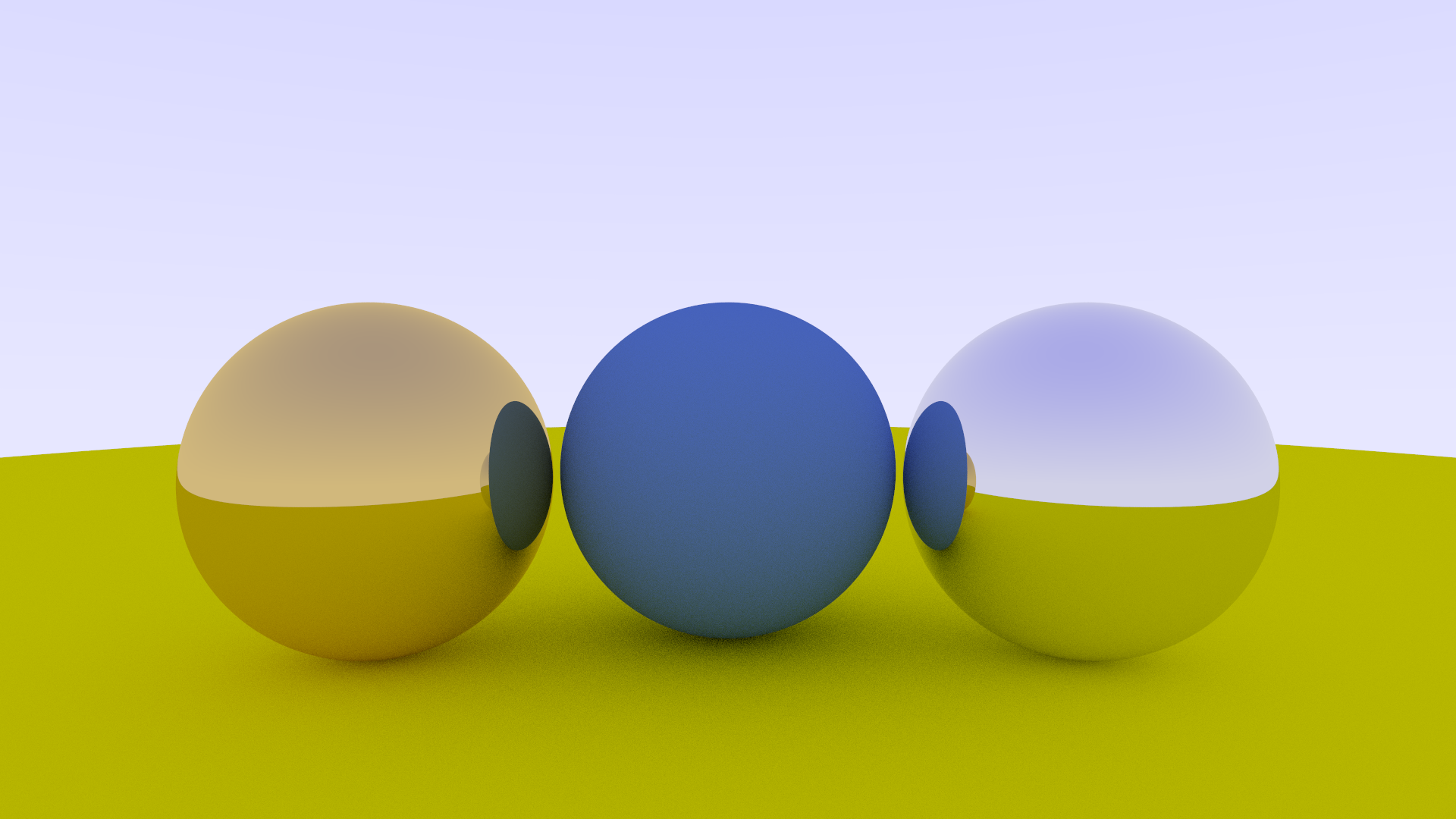
The metalic spheres can then be coloured to give the appearance of different metals.
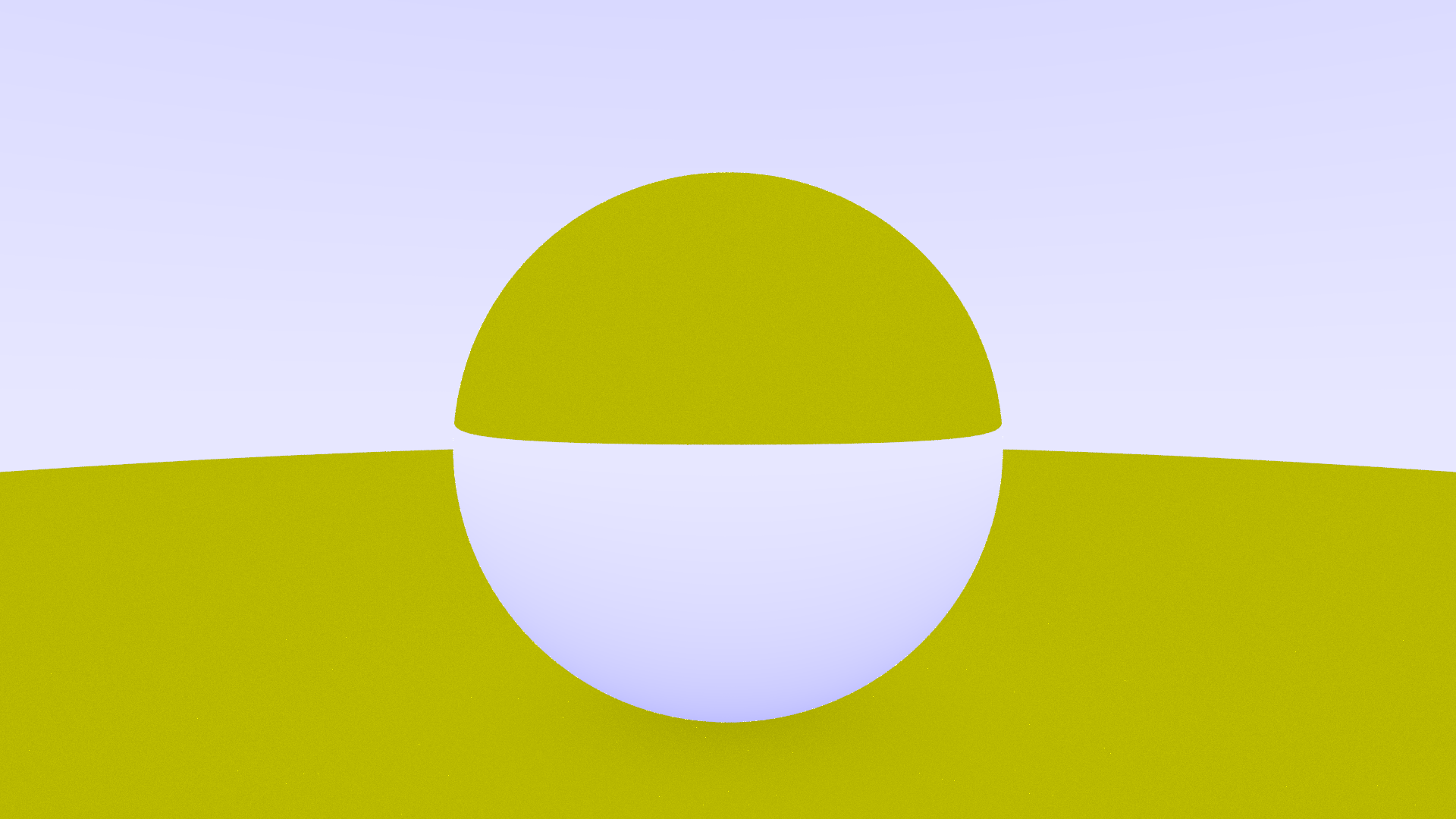
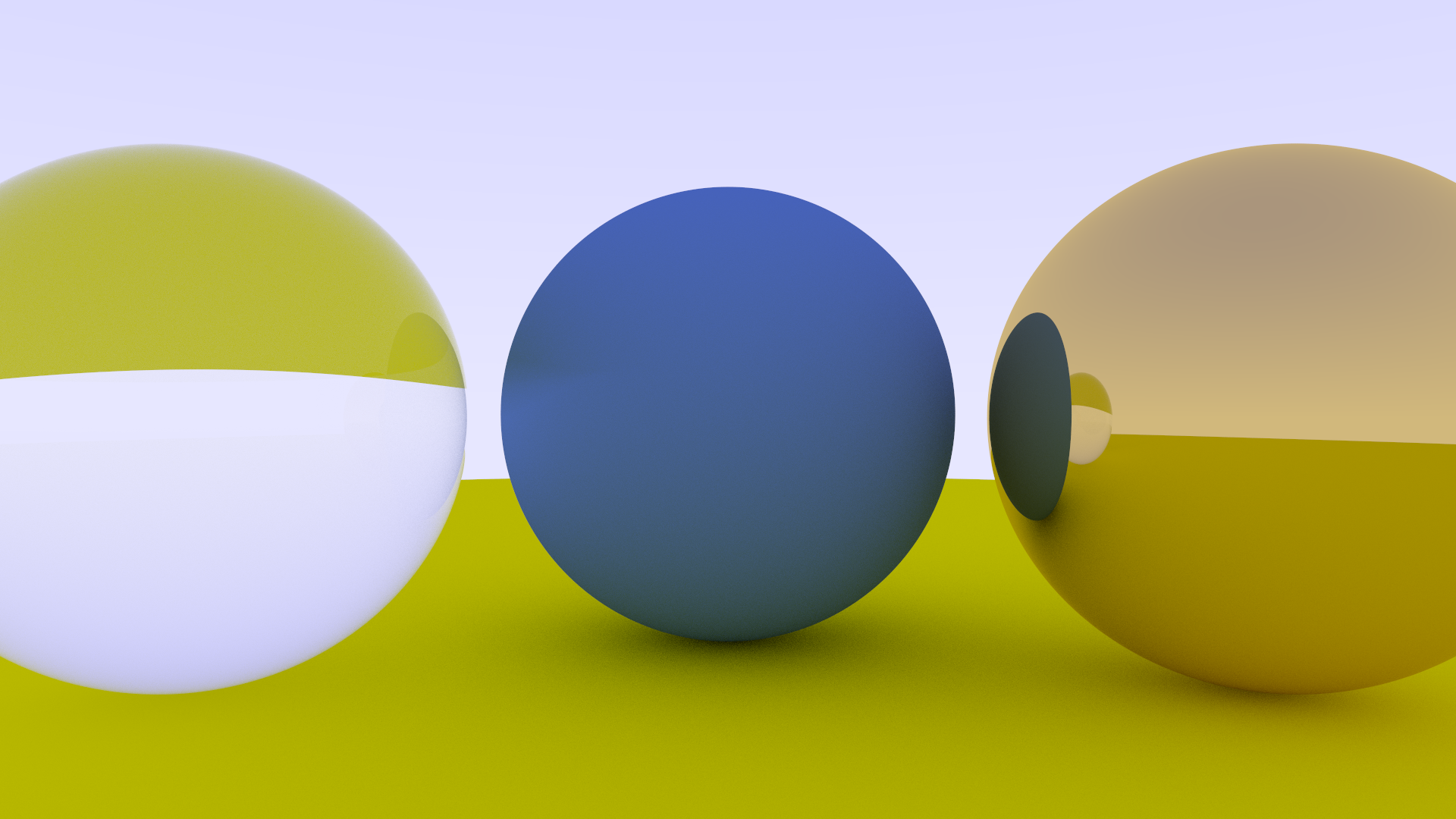
To make a glass sphere, you need to consider the refraction of the beams of light as they pass into and outof other objects.
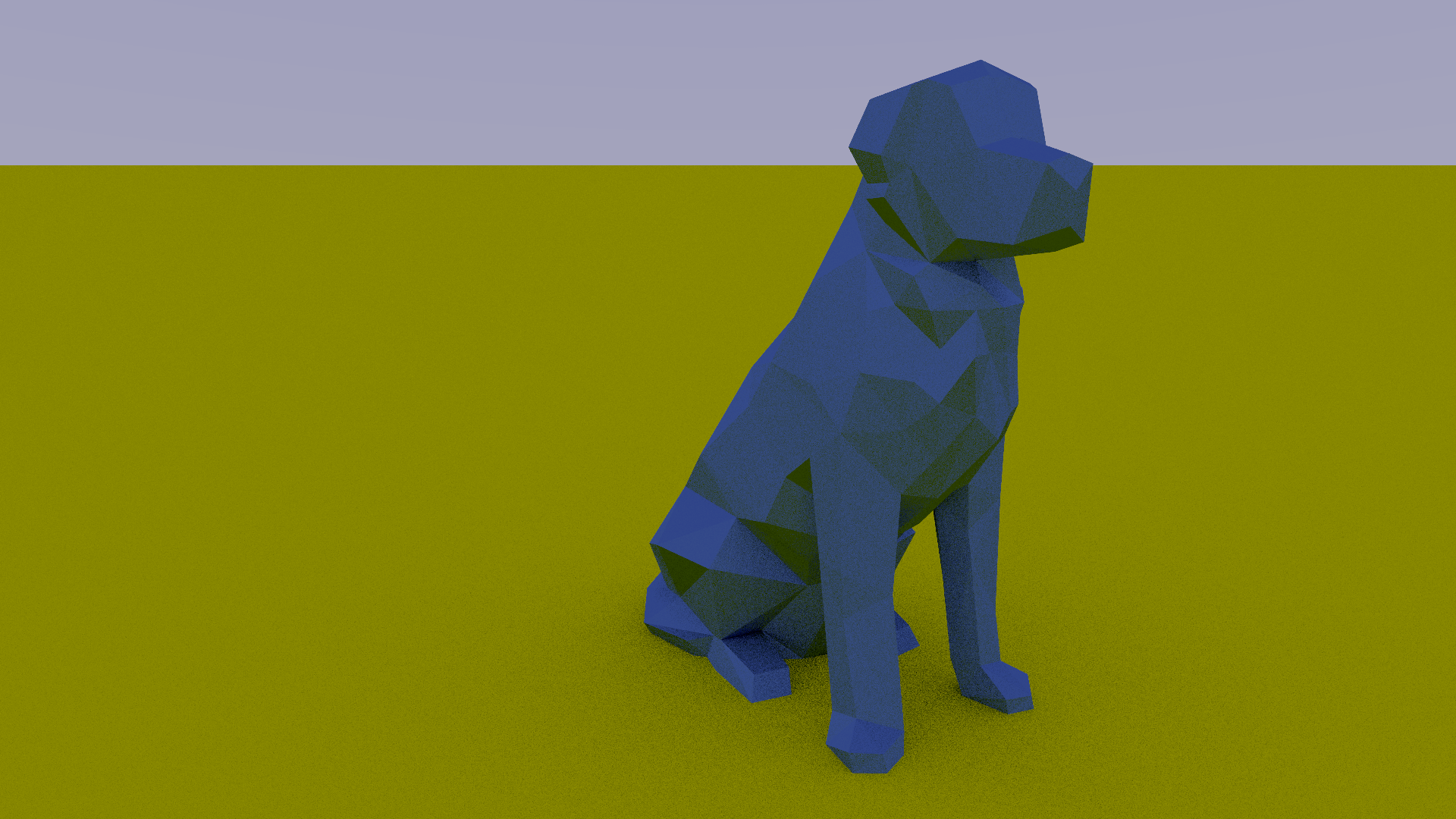
To render arbitrary meshes you can just render the triangles in the right places.
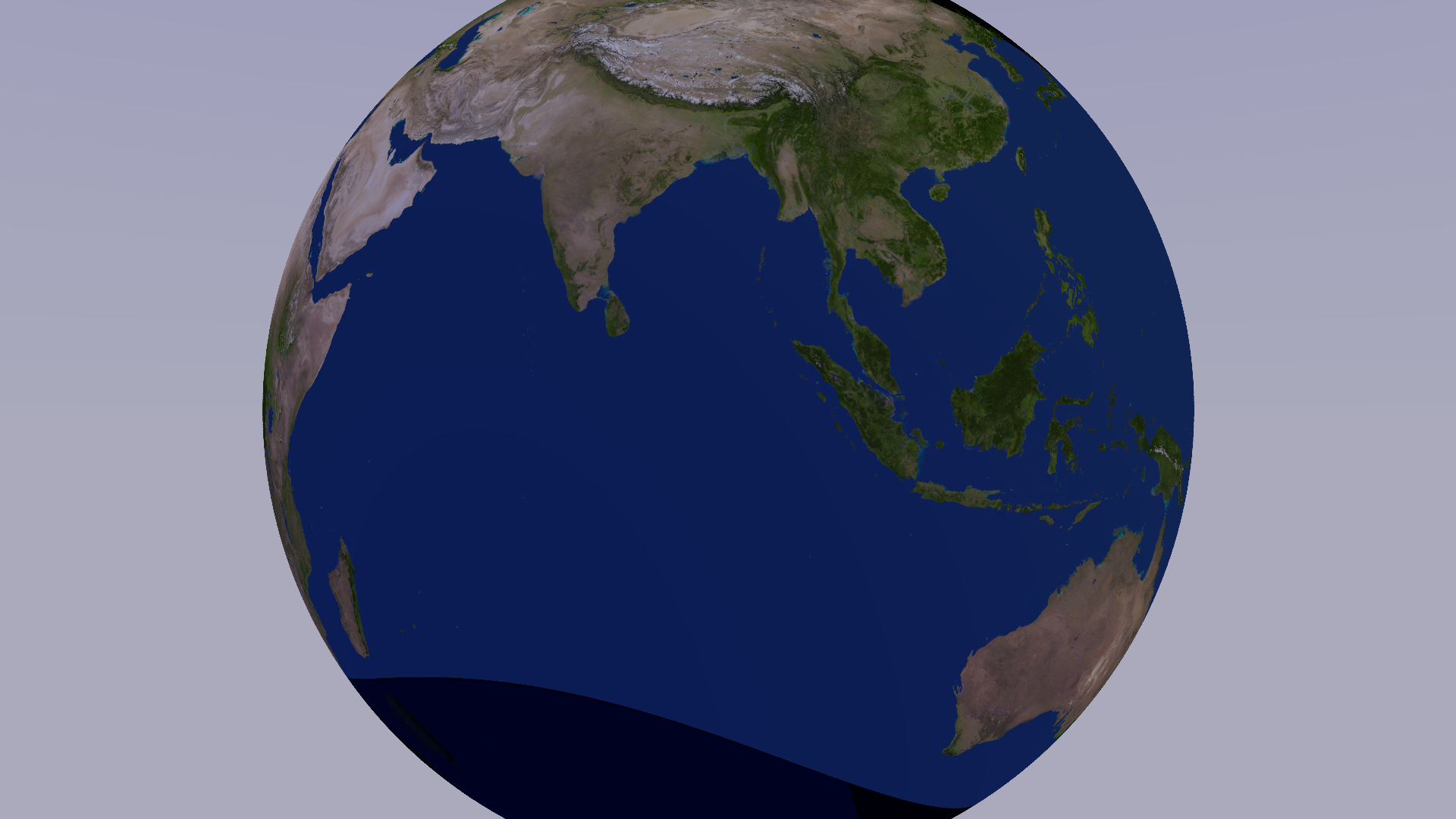
You can also put images onto surfaces. This one is from NASA.
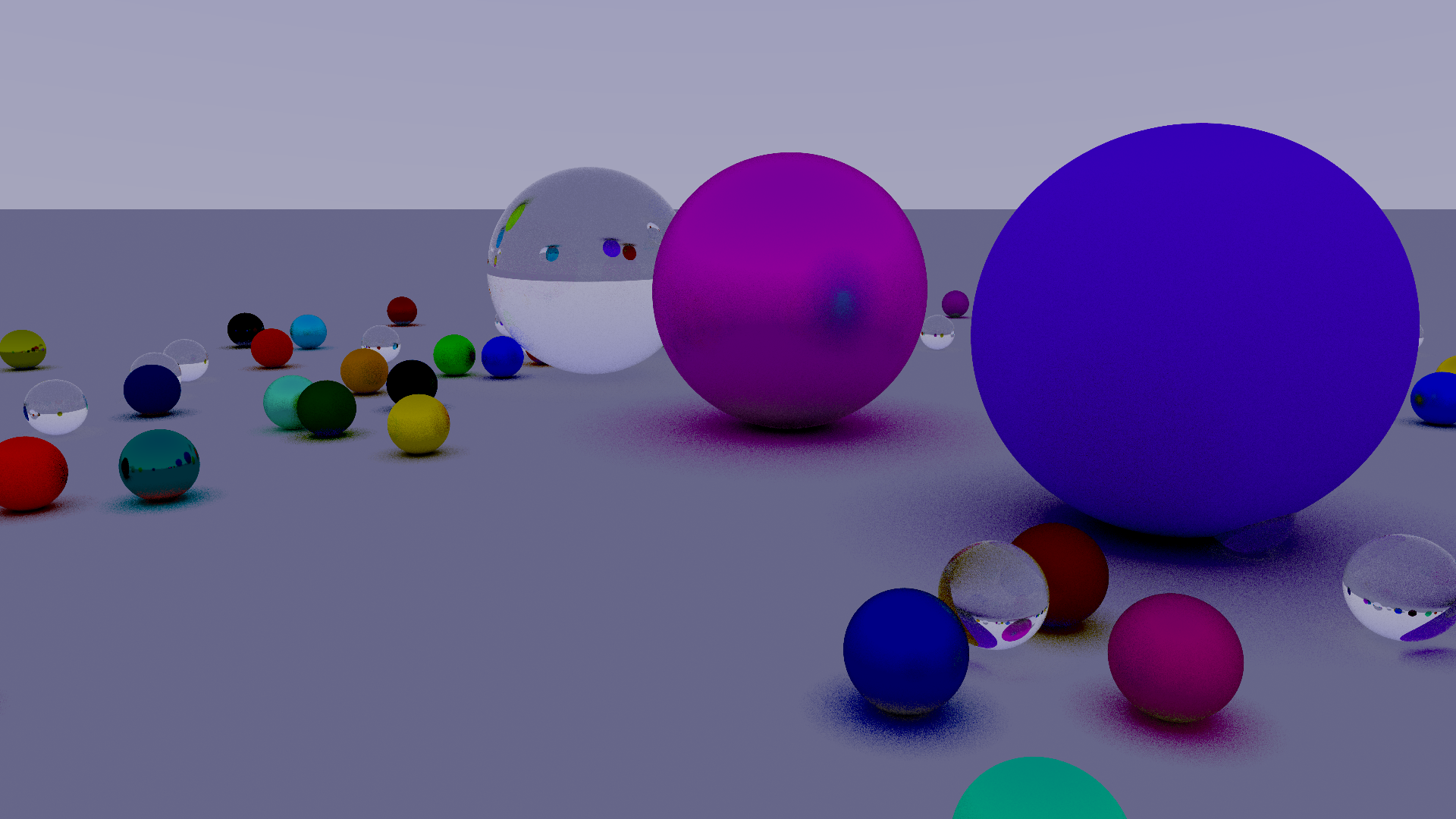
And finally you can render something that looks like the cover of the book.
Thanks for reading. If you ever have the time, I reccomend you follow along with the book and implement ray tracing in your favourite programming language. It’s a great workout of both programming and maths skills.